










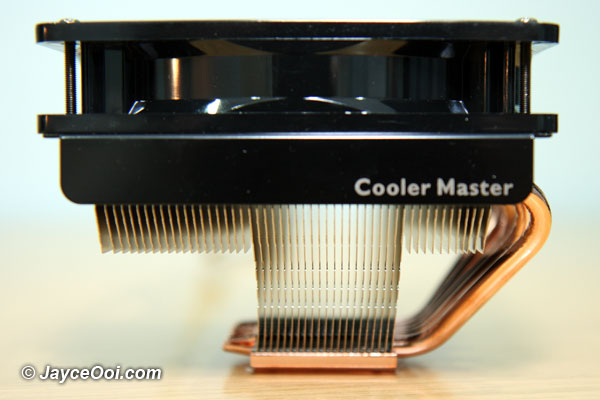
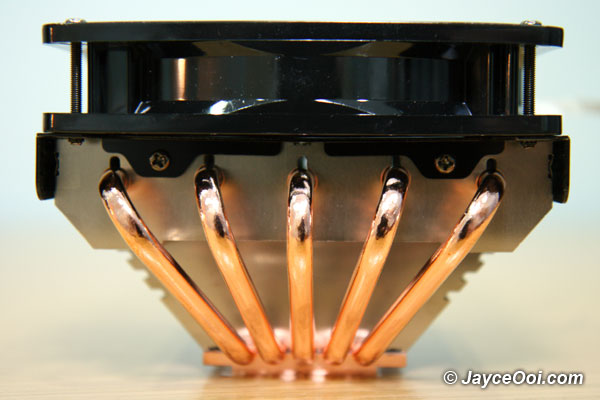
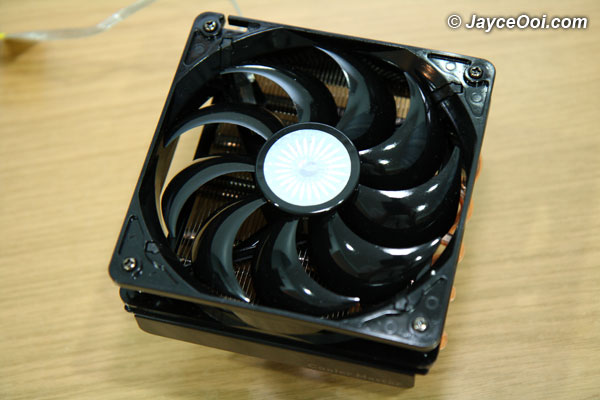
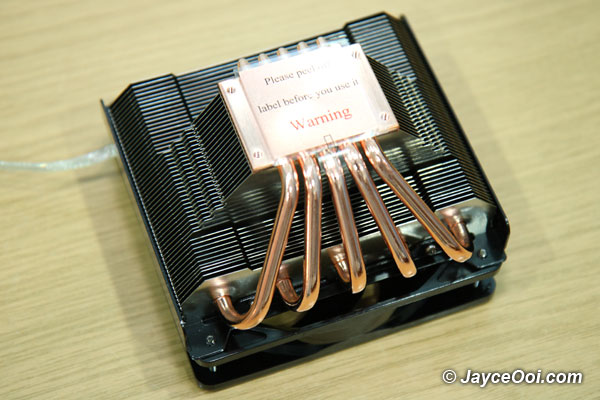
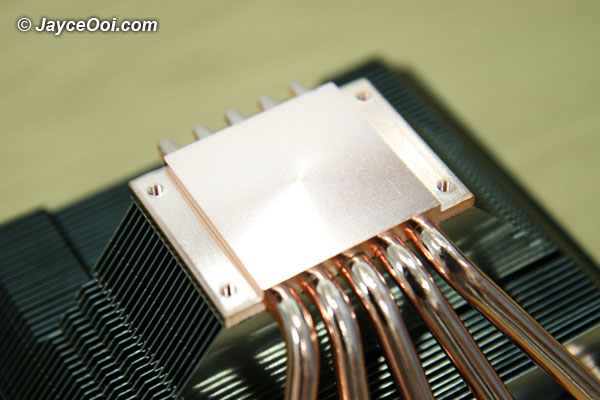
Cooler Master Geminii S (風神鍛) CPU Cooler was selected as my CPU cooler for my free Intel Core2 Extreme quad-core processor QX9650. Hmm… How does these 2 work together?
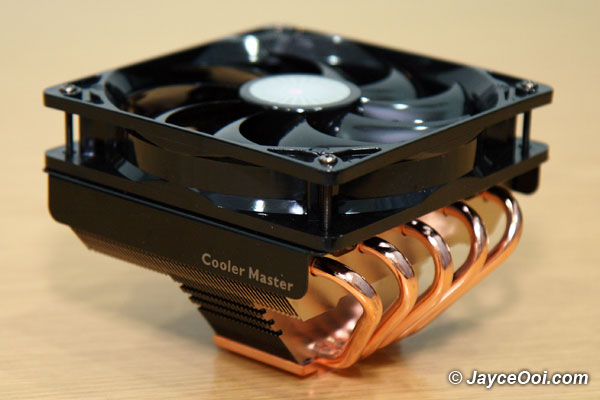
Specifications
| CPU Socket | Intel Socket : LGA1366 (optional) LGA775AMD Socket : AM2 940, 939 754 |
| CPU Support | Intel : Core i7,Core 2 Extreme, Core 2 Quad, Core 2 Duo,Pentium Extreme, Pentium Dual-Core, Pentium D,Pentium 4,Celeron Dual-Core, Celeron D, CeleronAMD : Phenom,Athlon 64 FX, Athlon 64 X2, Athlon X2,Sempron |
| Dimensions | 124 x 120.8 x 75 mm |
| Weight | 560 g |
| Heat Sink Dimensions | 124 x 118.4 x 62 mm |
| Heat Sink Material | Copper base/ 5 heatpipes/Aluminum fin |
| Heat Pipes Dimensions | Φ6 mm |
| Fan Dimension (W / H / D) | 120 x 120 x 25 mm |
| Fan Speed | 1000~2000 R.P.M. |
| Fan Airflow | 69.69CFM |
| Fan Air Pressure | 2.94 mmH2O |
| Bearing Type | Long life sleeve |
| Fan Life Expectancy | 40,000 hours |
| Fan Noise Level (dB-A) | 17~21 dBA |
| Connector | 4-pin ( PWM Mode) |
| Fan Speed Adjustment | PWM |
| Rated Voltage | 12 V |
| Start Voltage | 7 V |
| Operating Voltage | 10.8~13.2 V |
| Rated Current | 0.35 A |
| Input Power | 4.2 W |
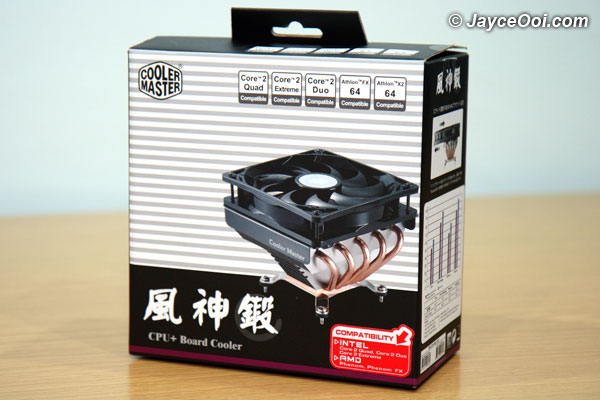
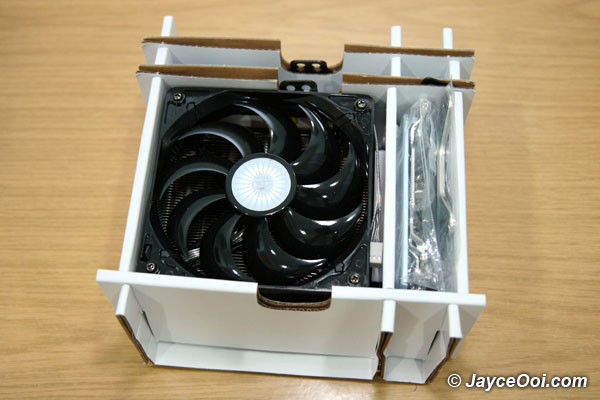
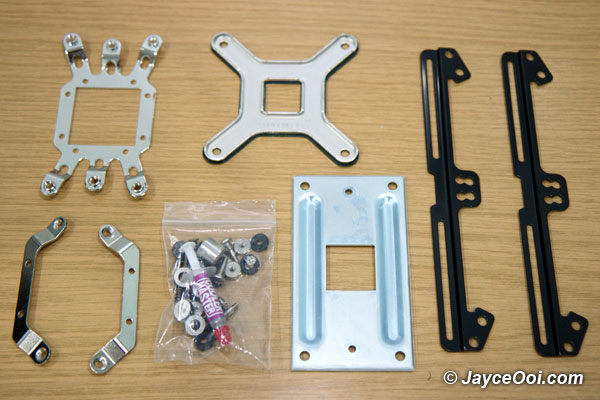









huhuhu…i want this item..cool
Just buy it lo. 😉
Hmm…i’m using this 1 too…but i’ve change the fan to the Vizo’s Windstrom…with a auto fan’s RPM & temperature controller
Huh? This Cooler Master Geminii S (風神鍛) CPU Cooler fan already can control speed. Why need to change?
the thing is i always overclocking my com…so i need a better fan…Vizo’s Windstrom can Rev up to 5000+ RPM
5000+ RPM? That will make your system like a loud speaker ~ all the fans noise. 😛
ya, when it reach about 4000+ RPM it’s just like a monster roar but i have the controller…so normally it won’t goes so high rpm…
Woo… How much is the heat reduce when RPM > 4000+? Does it help a lot with higher RPM fan?
My room is kinda hot so with the original fan is about 34-35 C with the Vizo Windstrom…in normal mode RPM > 4000 is about 25-30 C
If with air-cond on is about 15-17 C
Cool… It helps to drop another 5-10 C. But I prefer quiet fan. Don’t like noise during playing games. 🙂
ya…fan is still not good enough…mayb later i’ll try the liquid cooling…but i scare it leaks…
Buy good quality liquid cooling solution ~ mid to high end one. Entry liquid cooling solution performance is worse than high end air cooling solution.
haha…really? then i won’t waste money on that stuff….
Yup. I read some reviews on entry liquid cooling solution. Their performance is so so only. But you have no noise environment in return. 😉
Another copy paste article. Disgusting site. All copy paste. Shame on you!
Another copy paste article. Disgusting site. All copy paste. Shame on you!
http://www.coolermaster.com/products/product.php?act=detail&id=3263
Hmm… I don’t think that I can change the specifications of this Cooler Master Geminii S (風神鍛) CPU Cooler.
What else should I put then? Please advise. Thanks. 🙂
Word for word plagiarism. Disgusting! N acts all innocent after the fact. Truly despicable.
Absolute copy paste garbage!
Hahaha… Thanks for the ‘strong’ comment. 😉
How did you get a free quad processor. How can I be down?
@blogtek: The free CPU was part of my company program. 😉