How to rotate Windows Mobile application like Garmin Mobile XT into landscape mode from portrait mode? That was the question that I asked when I tried to rotate my HTC HD2 and Garmin Mobile XT still in portrait mode. Err… Is my HTC HD2 G-sensor not working? I used to the look of my Garmin Nuvi 200W. I want Garmin Mobile XT in that way too. I searched around. Found the hard way which needs to change registry setting. And also the easy way by using the powerful BsB Tweaks v1.6.
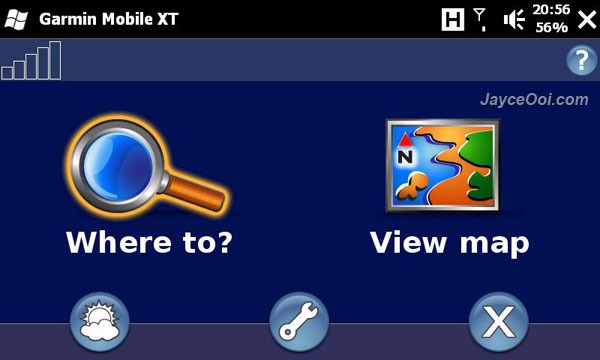
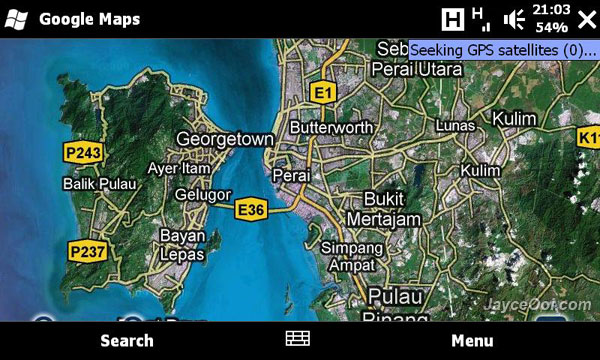
Not all the Windows Mobile applications support landscape mode. But you can try them see with BsB Tweaks’ rotation function. I managed to rotate Skyfire, Google Maps and even Windows Mobile built-in File Explorer.

Download BsB Tweaks v1.6 for HTC HD2 here.