










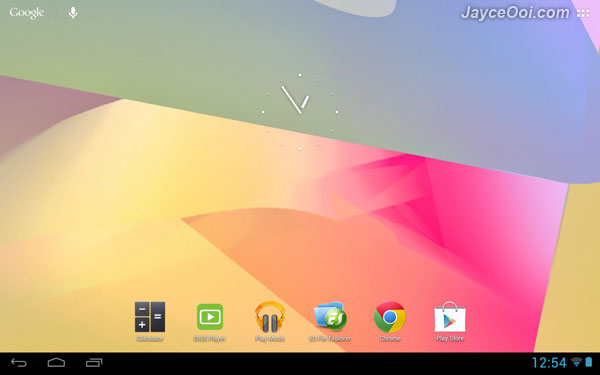
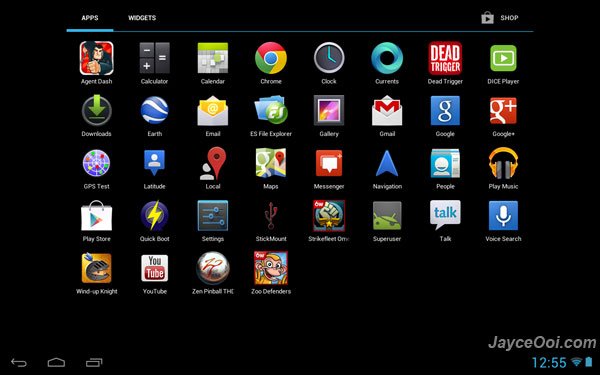
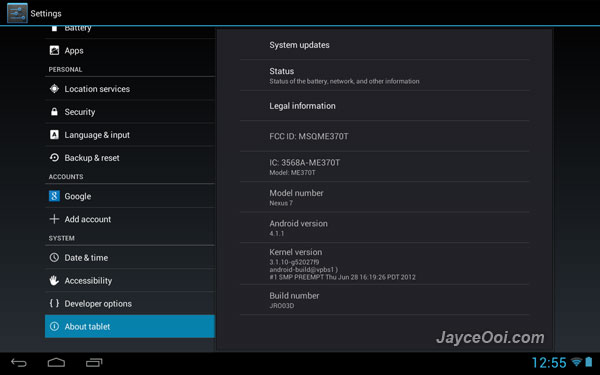
Google Nexus 7 is the latest and greatest Android tablet from Google. However, Nexus 7 does not have tablet UI like other Android tablets (Example, Samsung Galaxy Note 10.1). It has phone UI instead. Notification is dropped down from top not like tablet UI mode at right bottom. No worry, there is a simple way to enable tablet UI mode on Nexus 7. However, root access is required.
How to enable tablet UI on Google Nexus 7?
- Launch ES File Explorer (or any other file explorer with root access).
- Make sure Root Explorer and Mount File System are checked in Settings.
- Go to /system folder.
- Open build.prop with ES File Explorer built-in editor – ES Note Editor.
- Change ro.sf.lcd_density=213 to ro.sf.lcd_density=160.
- Save it.
- Reboot your Nexus 7.
- That’s all.
Please refer to this guide if you not yet root Nexus 7 – How to root Nexus 7? 1 click method (Video)
Note – some reported that certain applications have incompatibility issue. Google Play Store can’t work properly. Just revert back ro.sf.lcd_density=213 if you face any issue.










