










WeTek is proud to announce the release of WeOS 3.1 for WeTek Hub. Yeah, our WeTek Hub just got another OTA update with lot of improvements. Here are the new features and bug-fixes that you will get with this new WeOS 3.1 that based on Android 6.0.1 Marshmallow. As usual, you can use online method to update through WeUpdate app or manually with local update. Pick the one that suit you most…
MINIX NEO U9-H FW004A
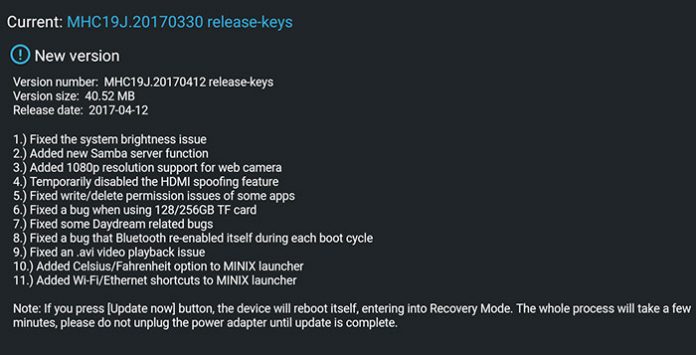
MINIX NEO U9-H had an OTA early this month but was pulled out due to some technical issue. So here is another one for you and me – FW004A (20170412). You should be getting it by now. As I mentioned, no worry about MINIX support. The major fix of this firmware – system brightness issue. Yes, that’s all of us are waiting for. And there are some new stuffs and several bugs fixed. Do check out the change log to find out more…
HiMedia Q10 Pro Android 7 HMD-2.0.3 2017-04-13.093025
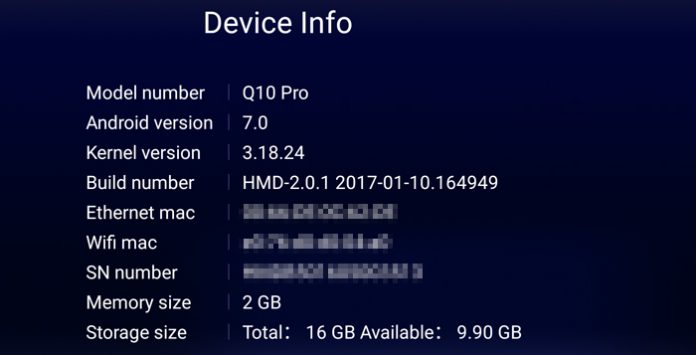
Here comes another firmware update for HiMedia Q10 Pro Android TV box. Android 7 HMD-2.0.3 2017-04-13.093025 is the. Android 5 version was released weeks ago by the way. As usual, new firmware fixed some issues, has some improvements and added some new stuffs. And the major addition in this update – wallposter function. There is ‘Optimized WI-FI stability and increased WI-FI speed’ too which caught eyes. Will do some test later to find out…
WeTek Hub weOS v3.0 Android 6.0 Marshmallow
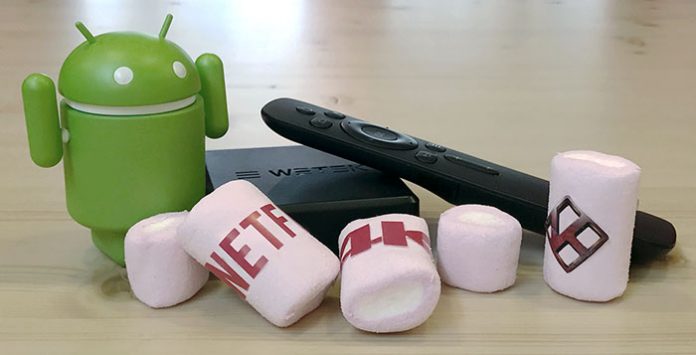
Yes, WeTek Hub is the first WeTek media player that receive Android 6.0 Marshmallow update. WeTek Play 2 will come later. What does Android 6.0.1 bring for WeTek Hub? First of all, you can enjoy some of the features on Marshmallow like Adoptable Storage that use external storage media to act like internal storage. Yes, this is a very useful feature for small internal storage device like Hub. And there are more…
WeTek Hub Stock ROM
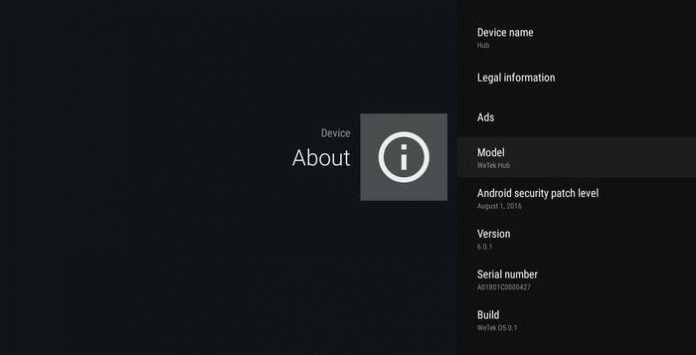
WeTek Hub is a solid and well performed Android TV Box. And it is highly maintained by WeTek support too. Therefore, there are several WeOS ROM available for you to download then. Or you can upgrade through Over-the-air programming (OTA) method too. Anyway, original firmware is used to downgrade or change back from custom ROM. Else OTA upgrade should fit the bill for most users out there. For example, if you don’t like WeOS v2.0.1 due to slow performance, you can always downgrade back to WeOS v1.0.2. That’s it. So far, there are 6 official ROM for Android 5.0 Lollipop. Android 6 Marshmallow is here too with latest Kodi 17 and support Netflix 4K…
Reviews

Armaggeddon Cosmic III Lite Review – One Budget Gaming Headset to...
Introduction
One gaming headset to rule them all! Yet a budget one too. Hey guys, meet Armaggeddon Cosmic III Lite. It is a versatile gaming...


News

Kingston Technology Joins Forces with the Upcoming Film Ghostbusters: Frozen Empire
Continuing its legacy of connecting people to fun, adventure and memories, Kingston Technology, a world leader in memory products and technology solutions, has teamed...



