










Jayce Ooi's Paradise

Technology, mobile, photography, gaming, programming, anything

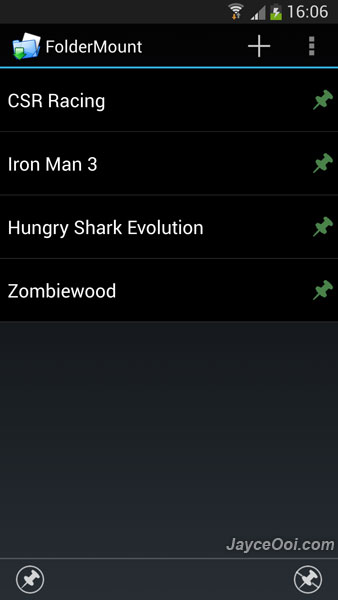
Err… Directory Bind is not working on Samsung Galaxy S4 Android 4.2 Jelly Bean. How can I move Galaxy S4 applications and games data to external SD card? No worry, FolderMount comes to rescue. In short, FolderMount is Directory Bind replacement. However, it does have its own limitations. Yes, the free version of FolderMount lets you move 3 folders only. 3 folders are enough for me since I will move 1 Android folder only. The sub folder – data and obb will be moved along, right? Sorry, you can’t move these folders but only individual folder within them. Luckily, paid premium version gives you move unlimited folder and can use Android, Android/obb or Android/data as source directories. Note – root access is needed. Not yet root Galaxy S4? Please refer to this guide – How to root Galaxy S4 GT-I9500? (Video)


FolderMount on Samsung Galaxy S4

(more…)

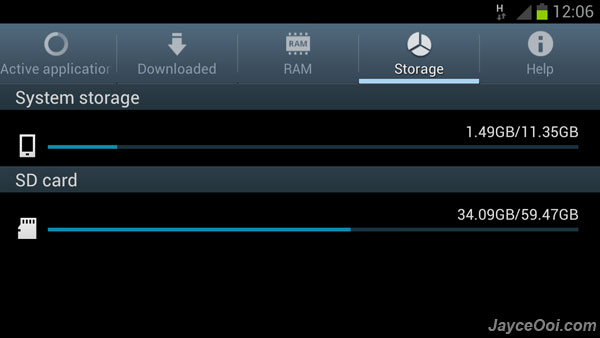
Not enough internal USB storage disk space on Samsung Galaxy Series smartphone like Galaxy S II, Galaxy Note and Galaxy S III? There is around 11 GB internal USB storage disk (sdcard) on Samsung Galaxy S3 (16 GB version). And some of you might face running out of sdcard disk space issue sooner. Even with external micro SD card, you can’t install applications and games directly on it. Luckily, you can move applications and games data to external micro SD card with Directory Bind. Note – root access is needed.

Move applications & games data to external SD card

(more…)


Featured ...


Guide for ...


Follow ...






