










Introduction
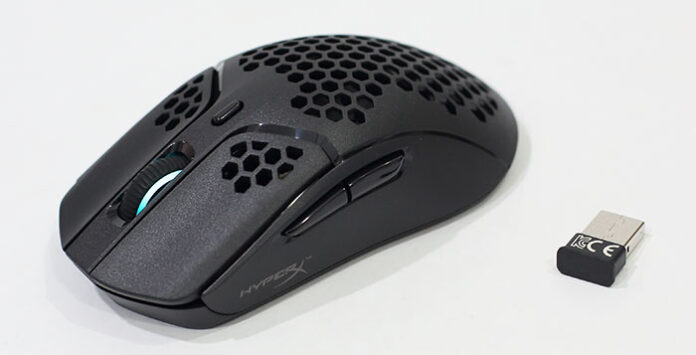
Yeah… My favourite daily gaming mouse has upgraded into a wireless one! No more wired and adds 2g weight only. It supports low-latency 2.4GHz signal and wired connection. Up to 100 hours of battery life. On top of that, you still have existing features like powerful Pixart 3335 sensor, long-lasting TTC Golden micro dustproof switches and the useful HyperX NGENUITY customization software. Performing great? Read on to find out…
Tag: Windows
HyperX Pulsefire Haste Wireless Gaming Mouse Review – Aim Quicker, Game Better Wirelessly!
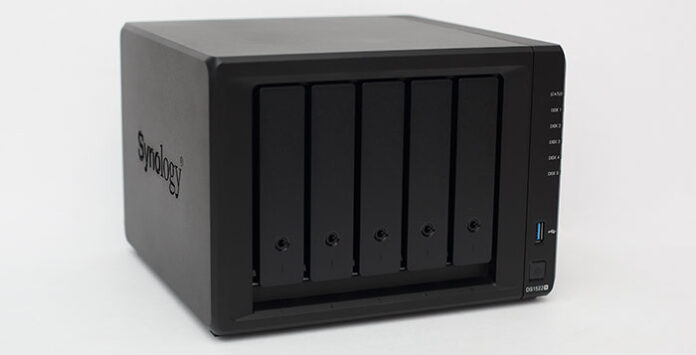
Synology DS1522+ Review – The Best 5-Bay NAS For Home & Office!
Introduction
Hey guys, meet the latest 5-bay Synology DiskStation DS1522+ versatile data hub for home and office. It is loaded with a powerful AMD Ryzen R1600 CPU. Comes with 8 GB DDR4 ECC SODIMM and max. 32 GB expansion. 4 built-in 1GbE ports and an easy 10GbE upgrade module. Up to 15 drive bays with 2 DX517 expansion units. Come with built-in M.2 NVMe SSD slots that permit cache acceleration without occupying storage drive bays. A flexible all-in-one solution for data sharing, synchronization, backup, and surveillance? Read on to find out…
TRIGKEY Speed S3 In-Depth Review – Better than Beelink, MINISFORUM Mini PC?
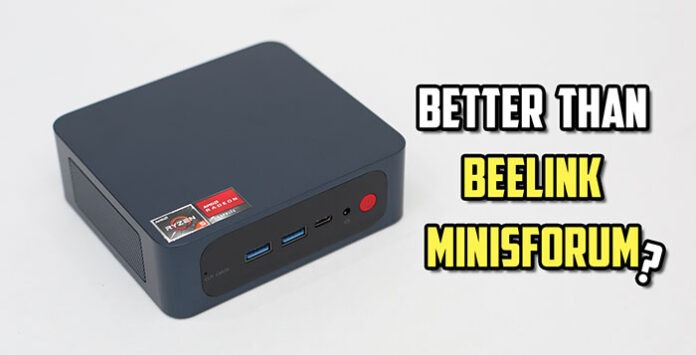
Powerful GPU for fast-paced 3D games and home entertainment. Fast CPU for photo and video editing too. Suitable for office, business and education as well. Loaded with the latest Microsoft Windows 11 Pro. Dual monitor outputs with 4K HDR support. Interested? Let’s have a closer look now…
Pulsar Xlite V2 Wireless Review – Solid, Accurate & Responsive Ultra-Lightweight Gaming Mouse!

Introduction
2.4GHz wireless & wired support, extremely light with better weight distribution, flagship PixArt’s PAW3370 sensor with 400 IPS speed, 50g acceleration & 20,000 programmable DPI and durable Kailh GM 8.0 switch with clicks up to 80 million times. Yes, you can enjoy all these wonderful features on the latest Pulsar Xlite V2 Wireless Gaming Mouse. Working great? Let’s find out now…
MeLE Quieter3C In-Depth Review – Intel N5105, Windows 11 Pro, Triple 4K HDR Display Fanless Mini PC
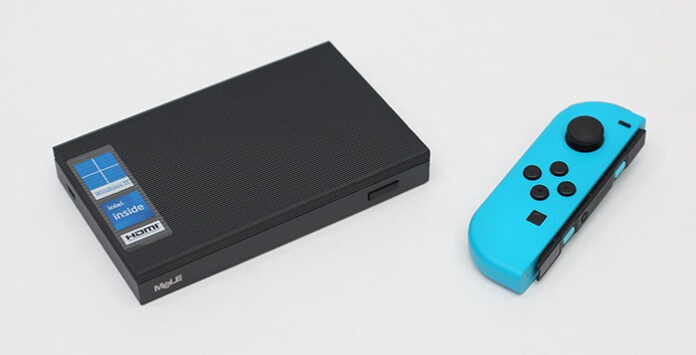
Full-featured USB-C port for power, data and video. Loaded with the latest Microsoft Windows 11 Pro. Up to 3 display outputs with HDMI, mini DP and USB-C. Compact fanless design with ultra-low power usage. Perfect for office, digital signage and education. Suitable for home entertainment and casual gaming too. Interested? Let’s have a closer look now…
Reviews

Armaggeddon Cosmic III Lite Review – One Budget Gaming Headset to...
Introduction
One gaming headset to rule them all! Yet a budget one too. Hey guys, meet Armaggeddon Cosmic III Lite. It is a versatile gaming...


News

Kingston Technology Joins Forces with the Upcoming Film Ghostbusters: Frozen Empire
Continuing its legacy of connecting people to fun, adventure and memories, Kingston Technology, a world leader in memory products and technology solutions, has teamed...



