



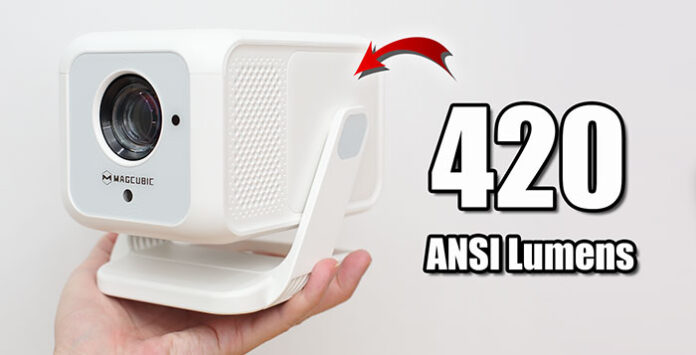
Meet Magcubic HY310X Mini Android Projector with 420 ANSI Lumens. Enjoy large screen in small room with 0.8 throw ratio. Useful auto focus, vertical keystone correction with 140° rotation stand. Miracast and AirPlay wireless screen mirroring are available for Android and Apple devices…
Tag: Android
ThundeaL TD80W In-Depth Review – The Best Budget Portable Android LCD Projector 2025?
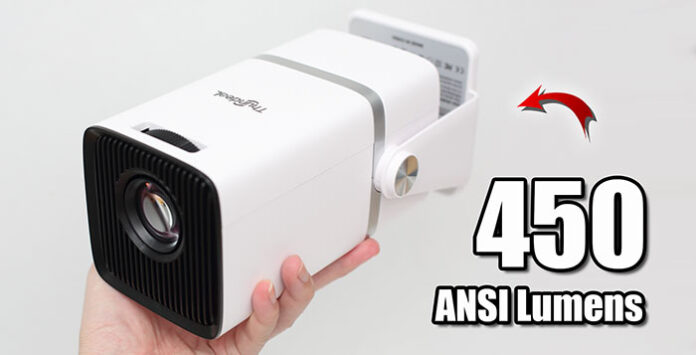
Meet ThundeaL TD80W Android Projector with built-in 150° rotation stand. Native 1080p resolution with 450 ANSI Lumens for both day and night. Useful Android 13 OS for your daily entertainment needs. Miracast and AirPlay wireless screen mirroring are available for Android and iOS devices…
Touyinger L9W In-Depth Review – 800 ANSI Lumens – Small Yet Mighty!!!
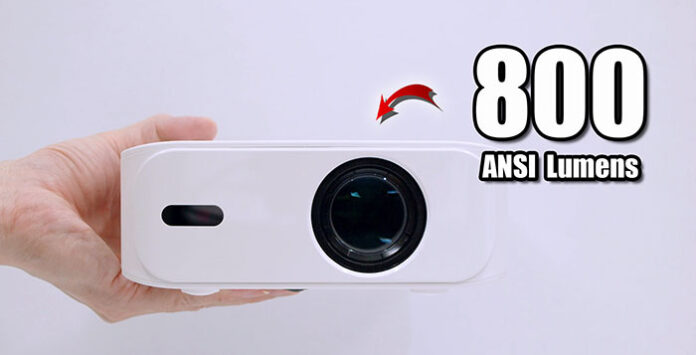
Small in size, lightweight and easy to carry around. Native 1080p resolution with 800 ANSI Lumens for both day and night. Useful Android 11 OS for your daily entertainment needs. Miracast and AirPlay wireless screen mirroring are available for Android and iOS devices…
Salange P92Max In-Depth Review – The Best Sub $100 AliExpress Projector with Certified Netflix?
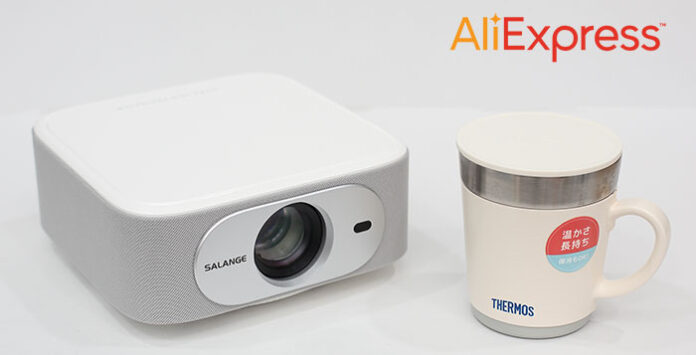
Native 1080p resolution with 12000 Lumens is suitable for both day and night. Android 13 Whale OS and certified Netflix with Full HD playback. TV Casting wireless screen mirroring is available for both Android and iOS devices. Furthermore, a lot of free live TV channels all thanks to Whale TV.
JMGO N1S 4K In-Depth Review – Everything You Need To Know Here!

Bright and vivid 4K images with triple colour laser light source. Integrated gimbal design, mini size and weight at 2kg only. Official Google TV with certified Netflix for all your entertainment needs. Instant gimbal-like display correction with smart eye protection. Fast and smooth gaming with 14ms low latency. Interested? Let’s check it out…
Reviews

XGIMI Vibe One In-Depth Review – Best Sub $200 Portable Projector?...
Meet XGIMI Vibe One portable smart projector with built-in 160° stand. Native 1080p resolution with 250 ISO Lumens for both day and night. Official...


