










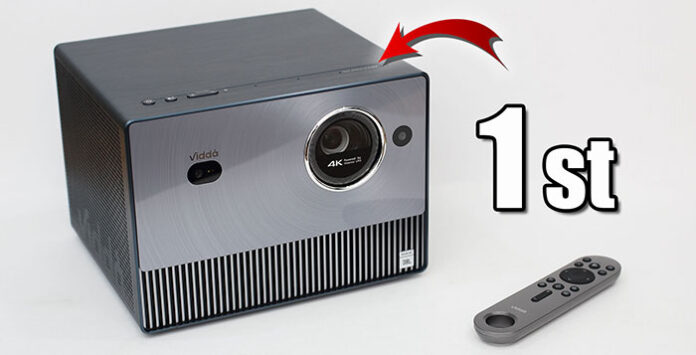
Up to 200” gigantic screen size with true 4K UHD at 2150 ANSI Lumens. Enjoy 110% BT2020 ultra-wide colour gamut through HDR10+. Up to 1600:1 contrast ratio cinematic experience. Comes with intelligent auto screen alignment and AI features. Useful wireless screen mirroring through Miracast and AirPlay. Ultra-fast and smooth gaming at 240Hz with 6ms latency only. Interested? Let’s have a closer look at Vidda C1S Triple Colour Laser Projector now…
Tag: HDMI
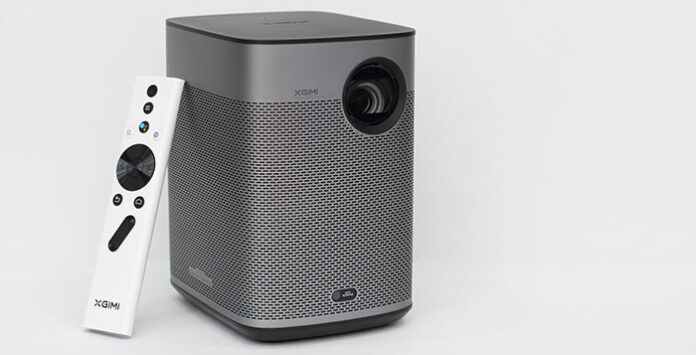
XGIMI Halo+ In-Depth Review – The Best Portable Projector in Town!
Introduction
Brilliant 1080p image quality with exceptional brightness at 700 ISO Lumens. Intelligent Screen Adaption Technology supports automatic focus, and screen alignment with obstacle avoidance. 10W Harman Kardon speakers with Dolby Audio support. Official Android TV 10.0 with plenty of apps and games from Google Play Store. Compact design with long 2.5 hours of video playback for on-the-go. Don’t forget MEMC, HDR10 and 3D support too. Interested? Let’s have a closer look at XGIMI Halo+ now…
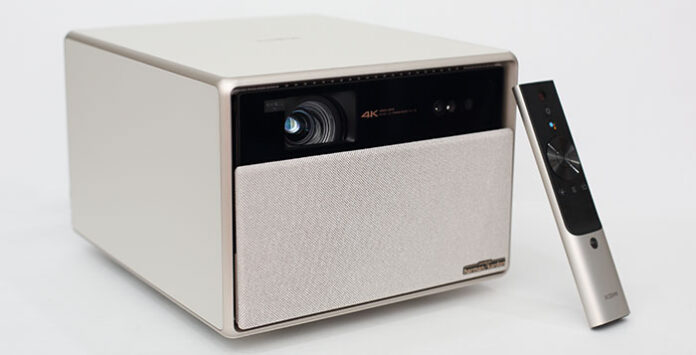
XGIMI HORIZON Ultra In-Depth Review – Meet the New King with 4K Dolby Vision!
Introduction
Meet the world’s first long throw Dolby Vision 4K Home Projector – XGIMI HORIZON Ultra. Up to 200” gigantic screen size with 2300 ISO Lumens. Ultra high brightness, wide colour gamut and comfort viewing thanks to Dual Light (LED + laser). Variable iris, dynamic filter and auto optical zoom module for lossless optics adjustment. Fast and smooth 4K gaming with 18ms low latency. Official Android TV 11.0 with Chromecast and Airplay casting for both iOS and Android devices. Interested? Let’s have a closer look at XGIMI HORIZON Ultra 4K Home Smart Projector now…
Formovie S5 In-Depth Review – All Hail The New Portable Projector King!!!
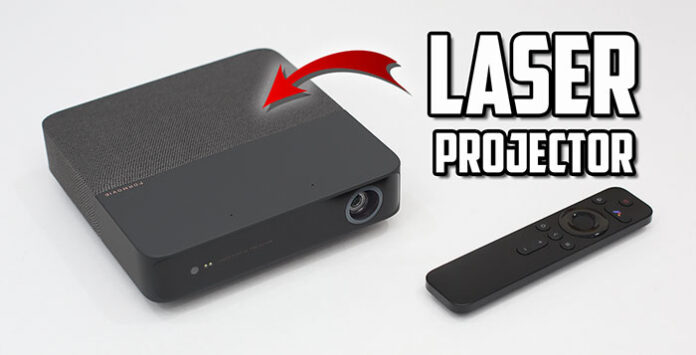
Excellent casual gaming with input lag as low as 35ms in game mode. In addition, both VRR and ALLM are supported on PS5. Enjoy your favourite movie anyplace, anytime with external power bank. Intelligent screen alignment supports uninterrupted auto keystone, focus and so on. And MEMC is supported for even smoother video playback. Lastly, it comes with Android 9.0 OS and powerful processor…
The Best Budget Portable Monitor for Nintendo Switch 2023 – BlitzWolf PCM9 In-Depth Review
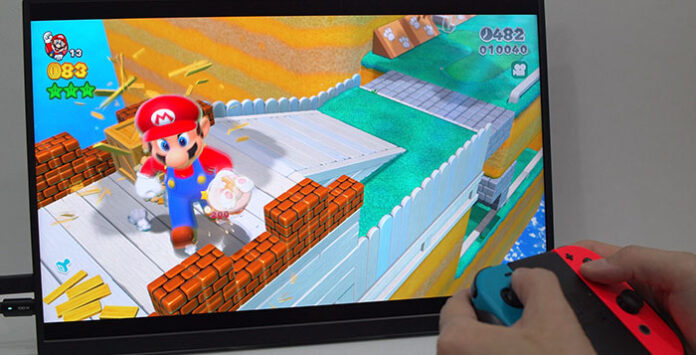
Yes, the perfect budget portable monitor for Nintendo Switch. Just connect power bank and USB-C cable directly to the Switch. You can use it as extra monitor to speed up productivity too. One USB-C cable from the laptop to provide video and power will do…
Reviews

Armaggeddon Cosmic III Lite Review – One Budget Gaming Headset to...
Introduction
One gaming headset to rule them all! Yet a budget one too. Hey guys, meet Armaggeddon Cosmic III Lite. It is a versatile gaming...


News

Kingston Technology Joins Forces with the Upcoming Film Ghostbusters: Frozen Empire
Continuing its legacy of connecting people to fun, adventure and memories, Kingston Technology, a world leader in memory products and technology solutions, has teamed...



