The first sight on Cooler Master CM 690 (RC-690) Chassis. Wow… It is big. Cooler Master CM 690 (RC-690) Chassis is mid tower chassis. However, it is bigger than normal mid tower chassis. And heavier too. This is good for overclocker like me. And the version I have come with Transparent Acrylic Side Window Panel. In short, I like Cooler Master CM 690 (RC-690) Chassis.
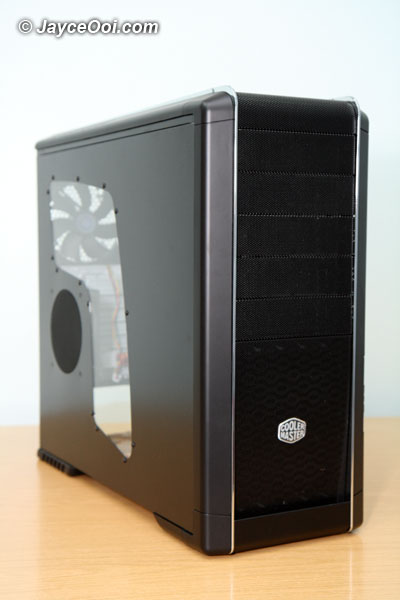
Cooler Master CM 690 (RC-690) Chassis
Features

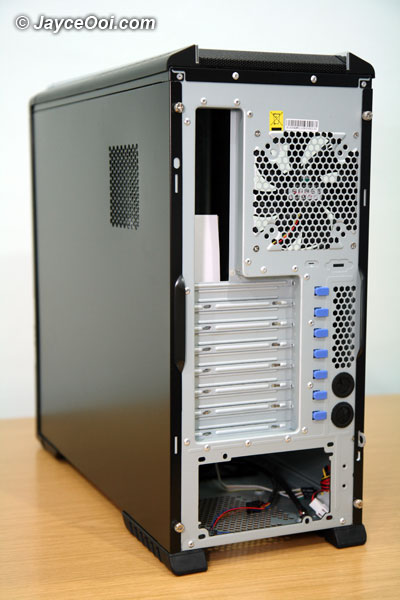
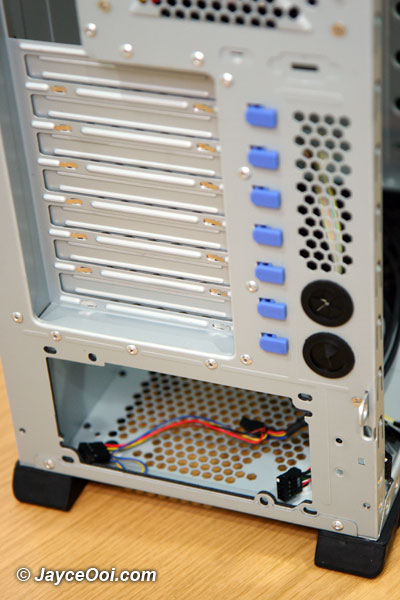
Back view
Specifications
| Available Color | Black |
| Dimension (W / H / D) | (W)213 X (H)482 x (D)524.5 mm |
| Weight | 9.8 kg |
| Material | Chassis: SECC, Bezel: Metal mesh+ABS |
| Motherboards | ATX, Micro-ATX |
| 5.25″ Drive Bay | 5 Exposed (without the use of exposed 3.5 inch Drive Bay), 4 Exposed (with the use of 3.5 inch Drive Bay) |
| 3.5″ Drive Bay | 5 Hidden, 1 Exposed (converted from one 5.25 inch Drive Bay) |
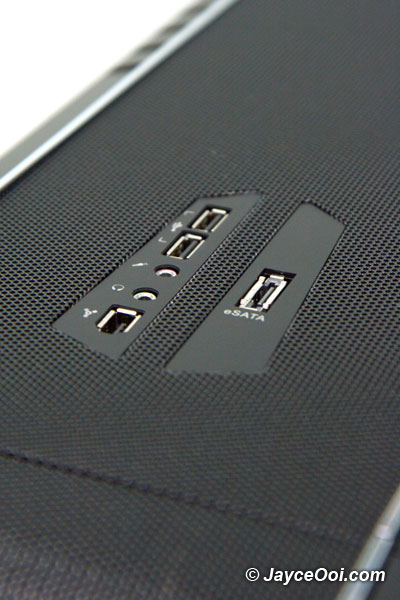
| I/O Panel | USB 2.0×2, IEEE 1394 x1, MIC x1, eSATA x 1, SPK x1 (support HD Audio) |
| Cooling System | Front :120 mm Blue LED fan x 1, 1200 rpm, 21 dBA, Rear : 120 mm standard fan, 1200 rpm, 21 dBA, Top : 120 or 140 mm fan x 2 (optional), Bottom : 120 mm fan x 1 (optional), Left: 120mm fan x 2 (one is optional)-up to 140mm fans |
| Expansion Slots | 7 |
| Power Supply | Standard ATX PS2/ EPS 12V (optional) |
| Certification | nVIDIA SLI |
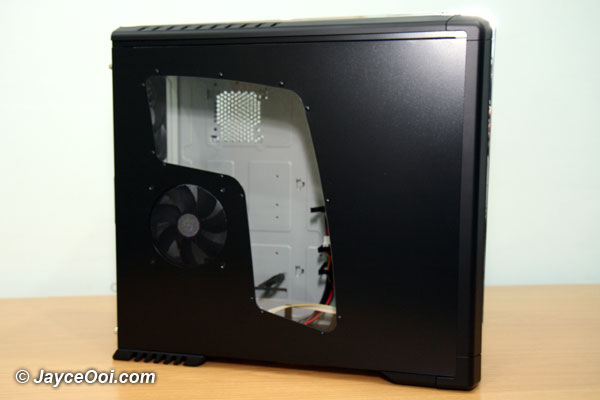
Nice Transparent Acrylic Side Window Panel

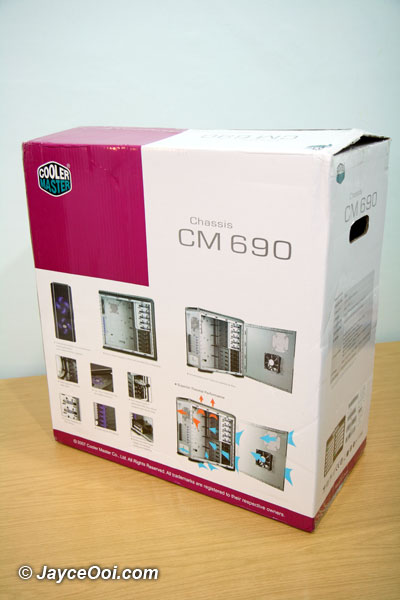
The big box

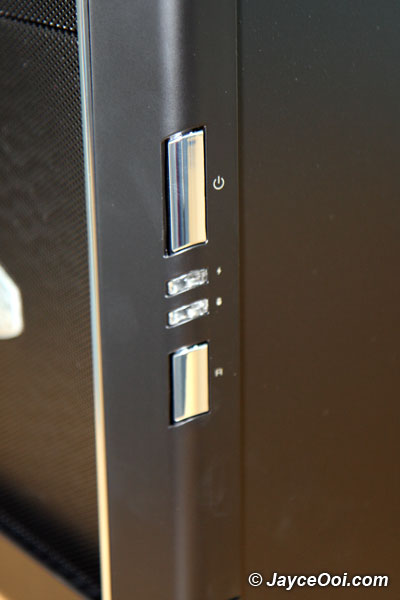
Power, reset buttons and LEDs

I/O panel on top of the chassis

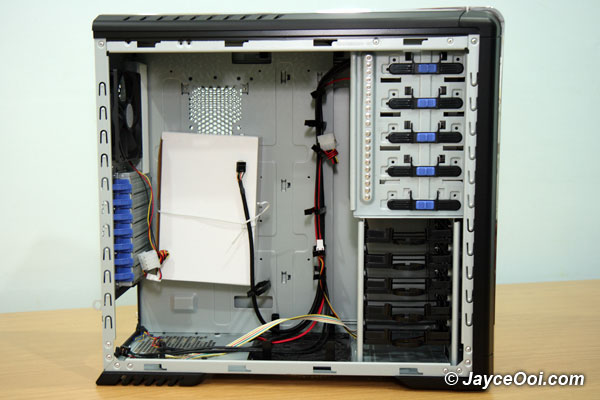
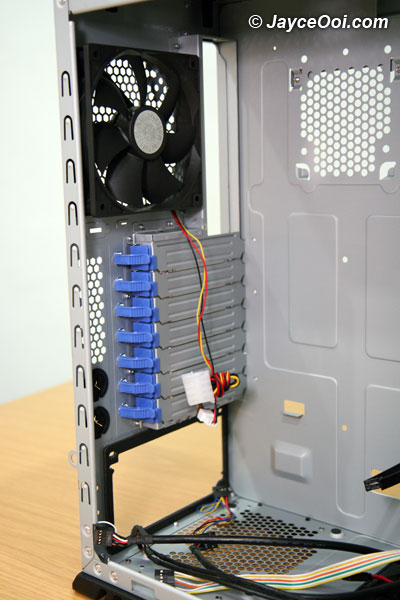
One 80×15mm fan can be installed at the rear of MB tray

What is the white thing?

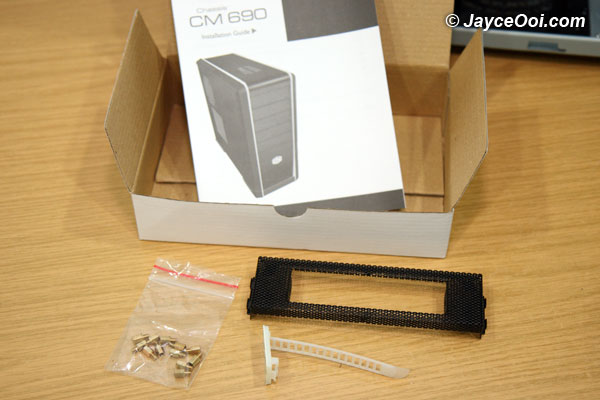
Contents in the white box

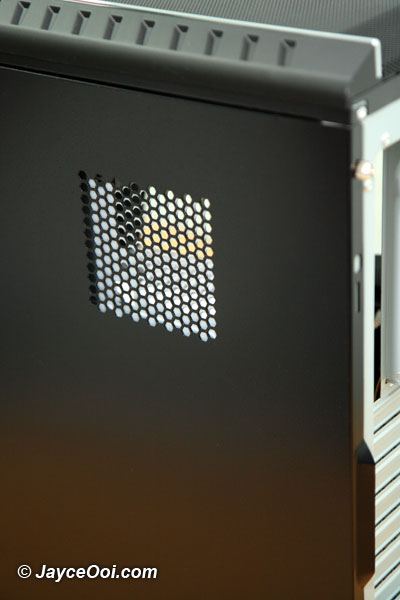
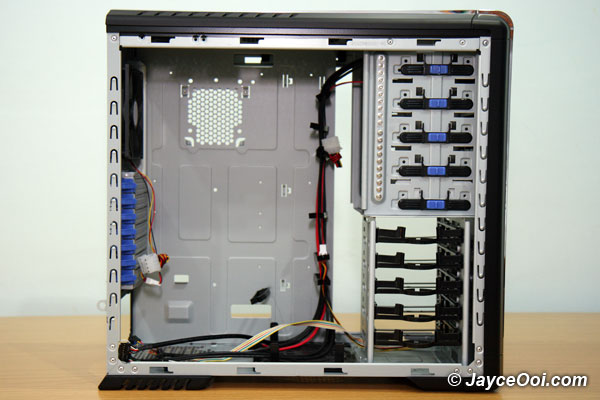
Side view

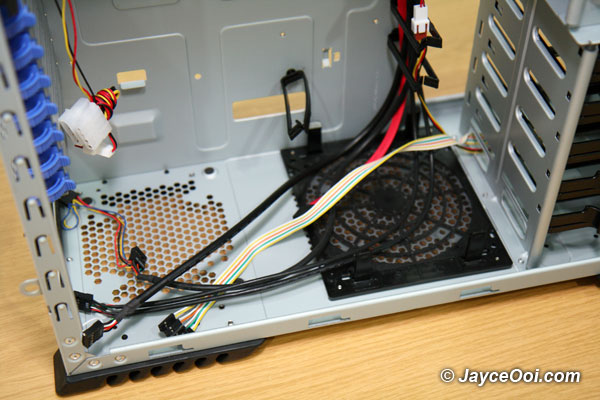
Bottom-mounted Power Supply for improved cooling and installation

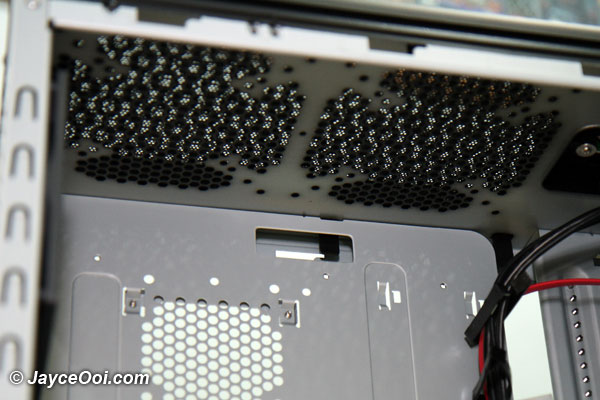
Two 120 or 140mm fans can be installed on the top

Tool-free kits for add-on card installation

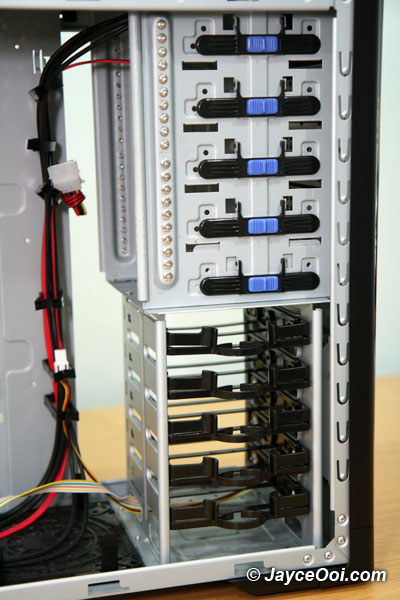
Removable HDD racks with anti-vibration pads for easy assembly and reduce noise

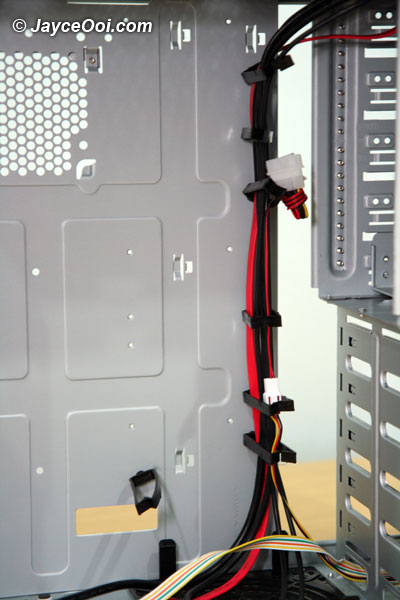
Cable organizers minimize cable clutter

Pass through holes for liquid cooling tubing

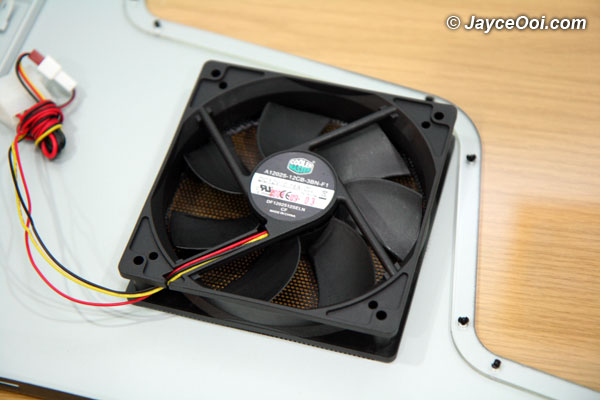
120mm fan
Tags: 690, chassis, CM, Cooler Master, RC-690
12 Responses
Pages: [1] 2 »
Calvyn
November 27th, 2008 at 7:06 pm
1air ventilation is very important to a computer. when i troubleshoot on my company PC, realize that the way of my ex colleague, 3 big fan in 1 CPU exclude processor fan..
front back and center also have fan…
Wing Loon
November 27th, 2008 at 10:38 pm
2Oh, you are using the same casing with me. But seems the USB, mic, earphone, firewire & e-SATA ports are changed.
Jayce
November 28th, 2008 at 8:36 am
3@Calvyn: Same as mine. Ops… I did not take front fan photo.
@Wing Loon: IO panel on front is Japan version. Or your is CM 590? Both of them do look alike.
Wing Loon
November 29th, 2008 at 7:30 am
4…oh, then i need to confirm that, thanks,
James Chu
November 30th, 2008 at 1:09 am
5wow! i’m lovin this blog!!! haha….i’m also using this casing too…hope the next 1 won’t be the same….hmmm mayb power supply…haha anyway..THX!
Jayce
November 30th, 2008 at 7:02 am
6@Wing Loon: no problem.
@James Chu: wow… Your system also look great lo.
James Chu
November 30th, 2008 at 8:39 am
7hehe ^.^ THX! Jayce , I’ll upload more pictures of my com’s current look!
check it out soon at my blog…
Jayce
November 30th, 2008 at 9:45 pm
8Okay. Looking forward for that.
donkey
December 2nd, 2008 at 7:52 am
9Holy cow! More plagiarism. Another copy paste direct from manufacturer’s site.
http://www.coolermaster.com/products/product.php?act=detail&id=2908
Jayce
December 2nd, 2008 at 8:48 am
10Hmm… I don’t think that I can change the features and specifications of this Cooler Master CM 690 (RC-690) Chassis.
What else should I put then? Please advise. Thanks.
Pages: [1] 2 »
RSS feed for comments on this post · TrackBack URI
Leave a reply
Categories
Archives
Chat Chat Chat...
SP Blogger
Isabell Online Penang Florist
Recent Entries
Recent Comments
Top Commentators
Jayce Ooi’s Paradise is proudly powered by WordPress - All rights reserved ~ Privacy ~ Disclosure Policy ~ sitemap.xml
Jayce Ooi's Paradise ~ i-City Portal ~ Pretty Girl 2 u ~ SP Blogger ~ Forum at JayceOoi.com