










There is lot of file managers for Android out there no matter paid or free. Paid file explorer should be better because of the special added features. However, there are those free file manager which have all the features like the paid one too. In addition, they are ads free. ASTRO File Manager and Linda File Manager were famous when I started to use Android. However, they are not ads free. So I stick with OI File Manager which provide the features that I need. Thankfully, Android platform is getting bigger each day. And more and more free Android file manager with no ads is coming out too. Here is the best top 5 Android file explorer without advertisements that I prefer…
- File Manager – Operate files (Copy, Paste, Cut/Move, Create, Delete and Rename, Share/Send) in the phone and computers
- Multiselect files
- Application manager – Manage apps (Install, Uninstall, Backup, Shortcuts, Category)
- Compress and Decompress ZIP files, Unpack RAR files
- View Different file formats, photos, docs, videos anywhere
- Thumbnails for images, and with an inbuilt image browser
- Text viewers and editors
- Search files
- Access your Home PC, via WIFI with SMB
- FTP client
- Dropbox
- Bluetooth file transfer tool.
- Kill tasks, with a one click
- Shortcuts, bookmark manager
- Root explorer
ES File Explorer is an all-in-one file manager & application manager & task killer & dropbox client & ftp client. It also have the root explorer function. Who said free stuff is not good?
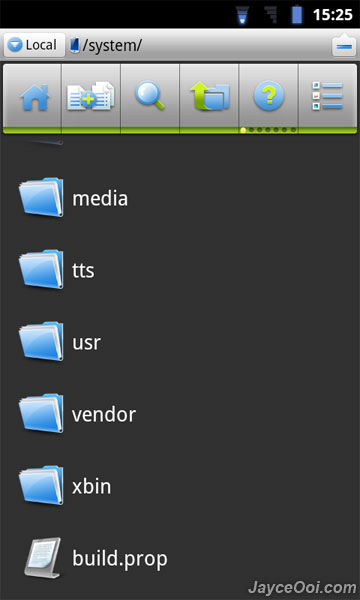
- All basic file operations – Copy, Paste, Move, Create and Rename your files and folders
- FTP/HTTP Server – Share & Manage your files without a USB cable
- Root access to system folders and files like Root Explorer.
- SMB Client – Access your host computer from your phone, using your phone to manage your PC via WIFI with SMB
- App Manager – Uninstall/Backup apps silently, which makes your batch process faster and cooler.
- Archive manager – Create and decompress ZIP archive, Decompress RAR archive.
- Thumbnails – supports jpg/png/mp3/mp4/3gp thumbnails
- Text Viewer, Image Viewer
- Search SD card
- Help your player to play media that stores on SMB share
- File Picker
File Expert is almost like ES File Explorer. Just pick the one that you prefer, you can’t go wrong with either one of them…
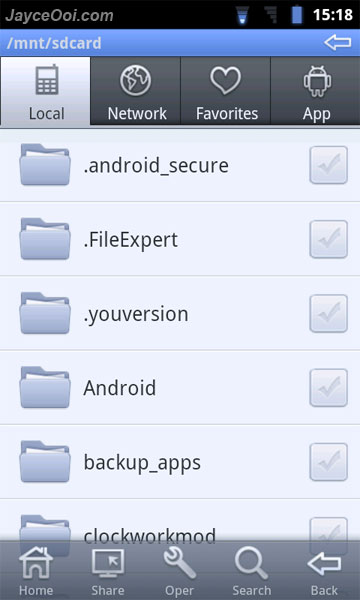
AndExplorer
AndExplorer is a simple file manager. It allows browsing files / folders stored on device and sdcard. It can perform basic operation like copy, paste, rename, delete and create folder features. And it is able to uncompress ZIP, GZIP and TAR files too.
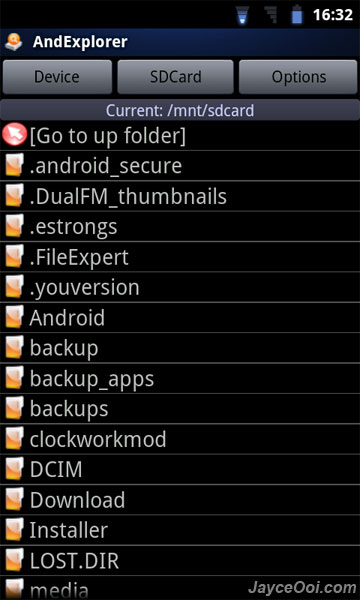
Explorer
Explorer is the lite version of the famous Root Explorer and without root write function. You can organizing your SD card contents includes multi-select, zip file creation/extraction, text viewer/editor, search, bookmarks, email, home and image thumbnails.
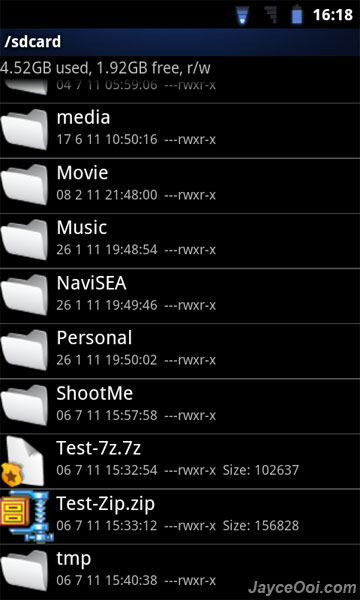
- Show list of files with thumbnails for images.
- Move, copy, rename, and delete files.
- Create and delete directories (folders).
- Send files by email.
- Acts as an extension to other applications, like GMail, to attach files.
- Support for many file endings and mime types.
Pick this one if you want to have simple and useful file explorer.
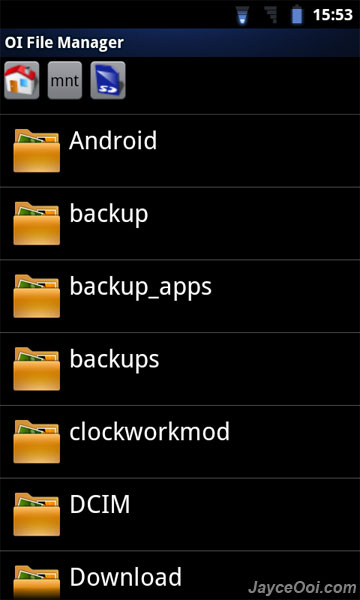
Well, here are all the best top free Android File Manager with no ads for you. Which one do you prefer?











hi jayce~ can i modified the root file using file manager with root explorer feature like es manager?
*modified* i mean can i delete the file
Huh? What file do you want to delete? Better don’t touch any system files (root level) if you not sure.
i just wanna delete shutter camera sound only~
Oh, I see. Use ES File Explorer then.
but how come delete task cannot be perform? really pissed off with the shutter sound
Did you enable Root Explorer in Settings?
ok. did not enable the thing before. thanks.
Thanks for the list. It is very helpful.
Another ad-free file manager I have come to really like is Ghost Commander.
If you are a fan of any of the (Midnight|Norton|Total) Commanders then you will
feel right at home with Ghost Commander.
http://sites.google.com/site/ghostcommander1/
Most Windows options work by using the either the Command or the Function key n MAC Versions. In moving Columns for instance, hold down the COMMAND key until the hand’ symbol appears then move the column ot the desired location and press enter (Return) Worked for me in 2011. Try it. Good lunc.
Es file explorer HAD ads
I have to agree with you on theses.
Es explorer has ads, and so does file expert, unless you pay. ES Explorer doesn’t offer a no ads version unfortunately, and offers more plugins for itself. I hate ads. File Expert cannot copy or move files from and to network locations as it doesn’t have proper navigation options (max 3 tabs and no sub folder options). Still no functional options available for smb file sharing operations without more irritating ads. Please post where a guy can find a program that can be trusted as functional. Android is so stupid without this basic functionality.
3c toolbox was always there for me, never bothered to use it till now. It has a fully functional explorer, supports everything I need plus does a whole lot more. Even managed to remove another malicious installation with 3C Toolbox which installed itself in a manner which was uninstallable by the default android app manager. Please give this program a try. No ads either!
Nah. 3c toolbox contains ads and offers in-app purchases
too bad, mine never does. Guess you got yours from the play store, which is the mistake most people do.
Like @boatki:disqus says, ES File Explorer have a lot of ads, but old version no.