Install Android applications into multiple Android devices take time. And it is a slow process when your Internet speed is bad. So install Android applications in apk format is fastest and easiest way. Of course, you can use Titanium Backup to restore all of the apps too. But you will need root access on those Android devices. So how to backup Android apps into apk? Simple, just use App Manager function in ES File Explorer to do so.
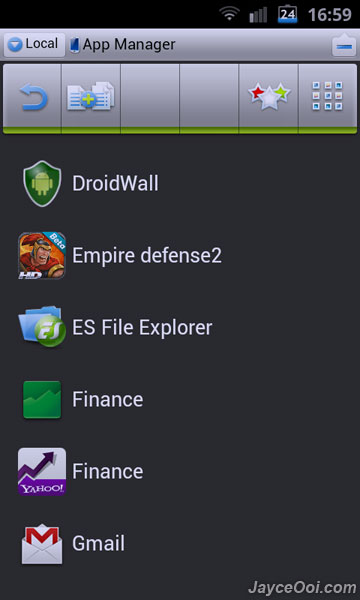
How to backup Android apps into apk?
- Launch ES File Explorer.
- Press Menu hardware button.
- Select Manager.
- Then select App Manager.
- Look for the application that you want to backup.
- Hold on it until Operations window pop-up.
- select Backup then.
- That’s all.
Note – ES File Explorer keeps those apk backups at SD card’s backups/apps folder.