










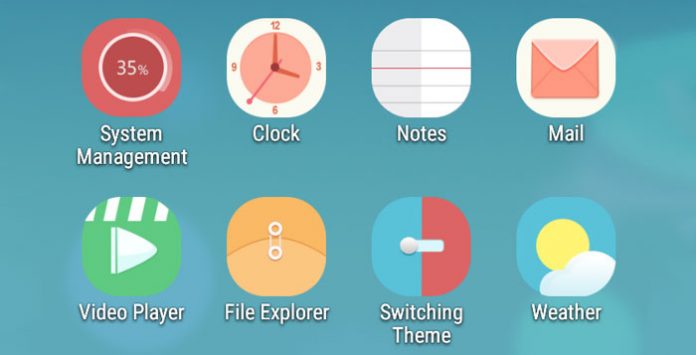
Neffos C5 is powered by Android 5.1 Lollipop. And it looks like stock Android OS with a skin layer on top of it. Well, that’s good because you get the clean and smooth operating system out of the box. Yup, not much bloatware or any stuffs that not needed. Therefore, performance is good as a result. At first look, Neffos C5 home screen UI is just like iOS devices. No app drawer here. Everything is placed directly on home screens. Just like iOS, you can freely rearrange them to the location that you prefer. Just drag and drop will do. Or create several folders to store all of them according to category. Alright, let’s have a detailed look on those software and tools that come along with Neffos C5.
Tag: application
Download Android 5.0 Lollipop apps, wallpapers, keyboard & launcher
Android 5.0 Lollipop is finally here. Well, you can enjoy it now on Google Nexus 9 and Nexus 6. The other Nexus devices like 4, 5, 7 (2013) still need to wait for few more days before the factory image coming out. But you can always try out Android 5.0 Lollipop apps, wallpapers, keyboard and launcher on your current Android devices now. Yes, you can experience the latest material design that come with Lollipop.
How to move applications & games data to external SD card?
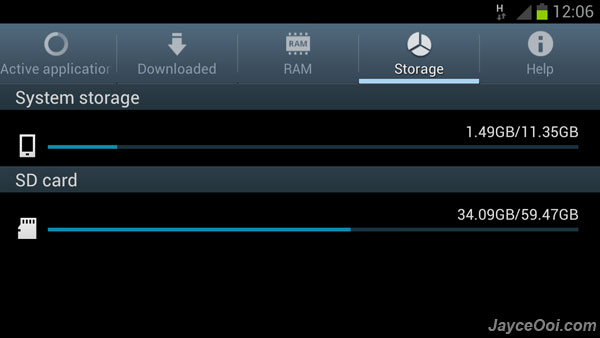
Not enough internal USB storage disk space on Samsung Galaxy Series smartphone like Galaxy S II, Galaxy Note and Galaxy S III? There is around 11 GB internal USB storage disk (sdcard) on Samsung Galaxy S3 (16 GB version). And some of you might face running out of sdcard disk space issue sooner. Even with external micro SD card, you can’t install applications and games directly on it. Luckily, you can move applications and games data to external micro SD card with Directory Bind. Note – root access is needed.
Download Android 4.4 KitKat Nexus 5 apps & wallpaper
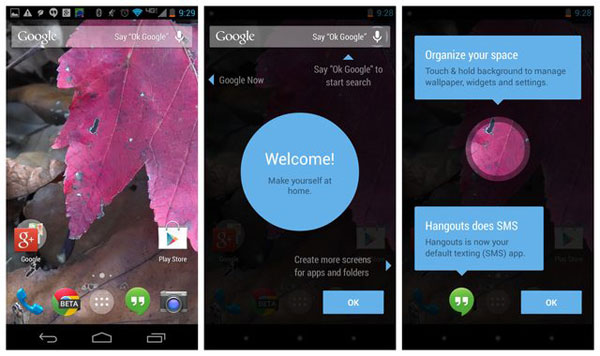
Finally, Google Nexus 5 is here. As usual, it is available for certain countries at launch. More country after that. And expected, it was sold out within hours. I did not manage to grab one in Malaysia (not so soon based on Nexus 4 situation). However, it does not stop us to try out latest and greatest Android 4.4 KitKat applications and wallpapers from Nexus 5. You can try out new Google Play Services 4.0, Google Experience Launcher, Google search, Calculator, DeskClock, Email, Gmail, Keep, Maps, Hangouts, Play Books, QuickOffice, Street View, Play Games and Keyboard. And enjoy the lovely wallpapers too. Can’t wait for Nexus 7 (2013) KitKat OTA update because the last update screwed up multitouch. Err…
How to remove bloatware on Nexus 4?
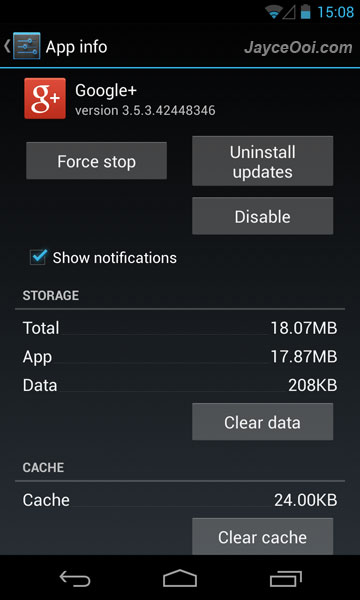
Remove bloatware on Google Nexus 4? Seriously, is that needed? Well, it is up to personally choice to define bloatware. For me, I still don’t use some of the stock Google Android 4.2 Jelly Bean features. And some of them are loaded and running by default. It uses up a bit system resources like RAM and CPU. System apps like Currents, Earth, Google+, Local, Maps, Movie Studio and Navigation are considered bloatware to me. Therefore, it is better to disable them if you are not using them at all.
Reviews

Armaggeddon Cosmic III Lite Review – One Budget Gaming Headset to...
Introduction
One gaming headset to rule them all! Yet a budget one too. Hey guys, meet Armaggeddon Cosmic III Lite. It is a versatile gaming...


News

Kingston Technology Joins Forces with the Upcoming Film Ghostbusters: Frozen Empire
Continuing its legacy of connecting people to fun, adventure and memories, Kingston Technology, a world leader in memory products and technology solutions, has teamed...



