OTA (Over-the-air) software update is the best way to update Android devices like Samsung Galaxy S4. Yes, it is very simple and fast to upgrade to the latest firmware. And enjoy the new features, improved stability or bugs fix in the latest OTA software update. Usually, the OTA update package is below 100 MB in size. Not like the whole firmware which takes more than 1 GB file size. The best part, no PC or Mac is needed. The firmware update process is done on Galaxy S4 itself.

Latest Galaxy S4 OTA software update
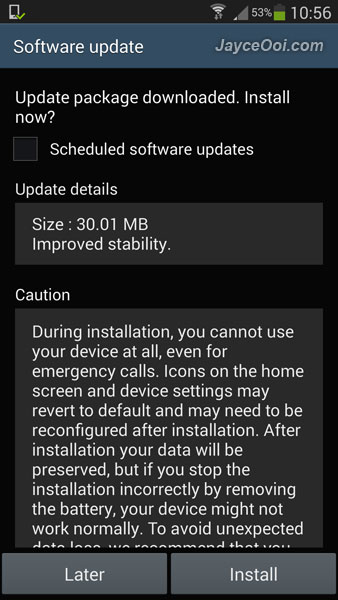
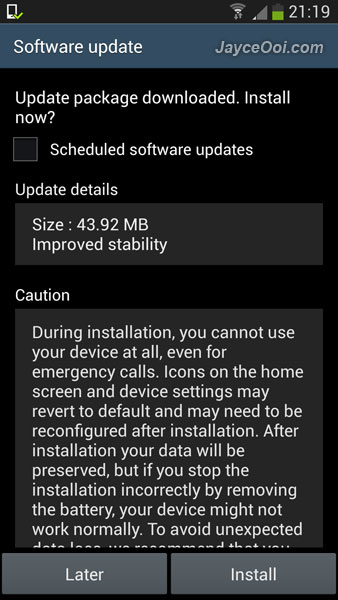
Did you face force closed or hang issue on your Samsung Galaxy S4? Well, Samsung has an OTA system update for Galaxy S4 now (for Malaysia I9500 model at least). Hopefully, this will solve those ugly issues and improve stability. Yes, I did face hang issue during my benchmark testings. But did not see it during normal usage. Anyway, let’s see this update will help to improve overall performance or not. Time will tell…

First OTA update for Samsung Galaxy S4
20 Oct
Posted by Jayce Ooi as How to
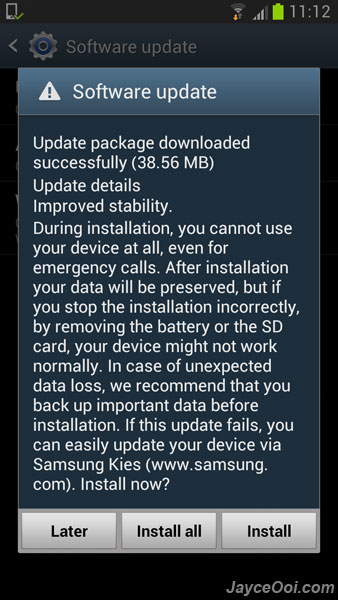
Over-the-air OTA software update is the current trend of upgrade firmware for Android devices including Samsung Galaxy Note II. It is simpler, easier and faster to do so. Usually, Samsung Galaxy Note 2 firmware OTA software update is around 50 MB in size. And all the firmware update process is done on phone itself (no Windows PC or Mac is needed). Most of the time, system will notify you that there is a new OTA software update available. If no, just check for the software update by yourself manually…

Upgrade Samsung Galaxy Note 2 firmware with OTA software update
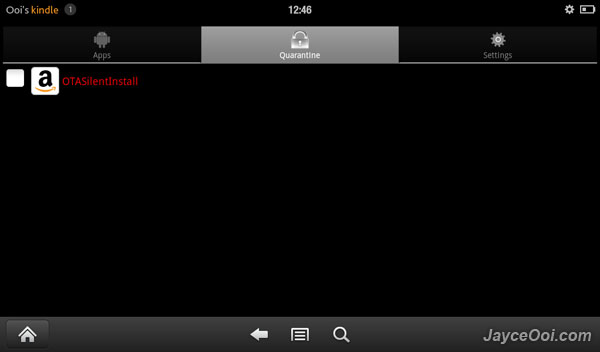
Amazon has a new software update to Kindle Fire. Bring Kindle Fire software update to version 6.3.1. This update has several new features like additional parental controls to Kindle Fire, including the ability to password-protect purchases, disable access to specific content libraries, and block access to the Silk web browser. As usual, Kindle Fire software update version 6.3.1 breaks root access. But no worry, you still can root it again latest Kindle Fire Utility.

New Kindle Fire Software Update Version 6.3.1
For me, root access is a must have for Android devices no matter smartphone or tablet. Same apply to my Amazon Kindle Fire. Why? Check out this article ~ Top reasons to root Kindle Fire to know more. Having Kindle Fire Software Update 6.3 now and lost root access? No worry, you still can root Kindle Fire Software Update 6.3.

Root Kindle Fire Software Update 6.3